No more projector
No lamp to change, no focus to set, no blinds to close. The panel stays readable in daylight, curtains open.
One device instead of the projector, the whiteboard, the laptop and the speakers. Six sizes from 55 to 110 inches, infrared touch with finger or stylus, Android and Windows built in.
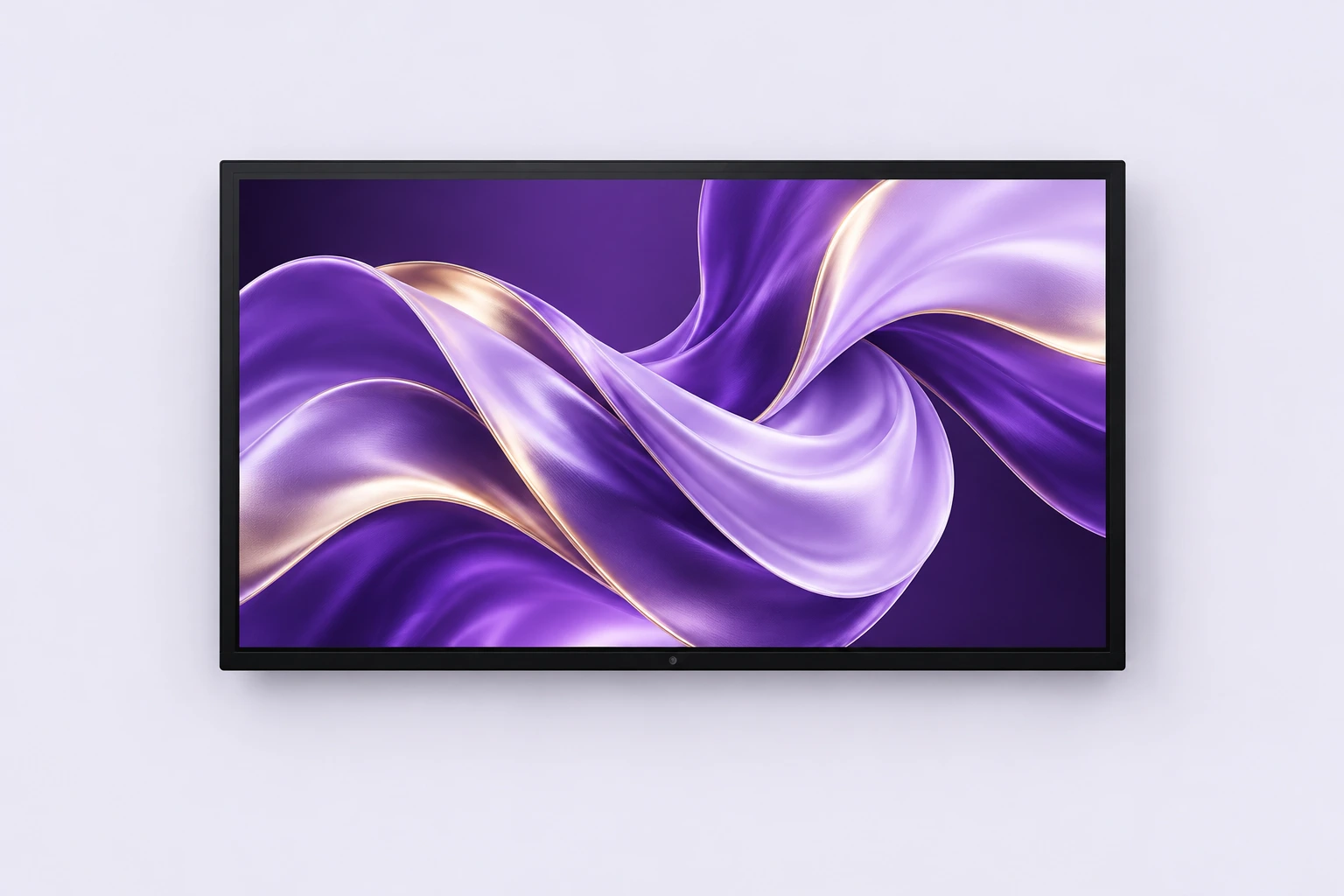
Format illustration. Finishes vary by model.
Time lost in meetings is lost before the meeting: the missing cable, the projector hunting for a source, the laptop refusing to mirror. An all-in-one conference display removes the chain of devices: computer, panel, sound and whiteboard are a single unit, started with one button.
You write with a finger or a stylus, straight on the panel. Annotations sit on top of a document, a web page or a video call, and the page is kept at the end of the meeting instead of being photographed on a phone.
Detection uses a grid of beams in front of the panel. Any object works — a finger, a stylus, the cap of a marker — with no battery, no Bluetooth pairing and no proprietary pen to replace.
Android boots in seconds to show a document or start a call. Windows takes over when you need business software, an office suite or a full workstation. You switch between them without replugging anything.
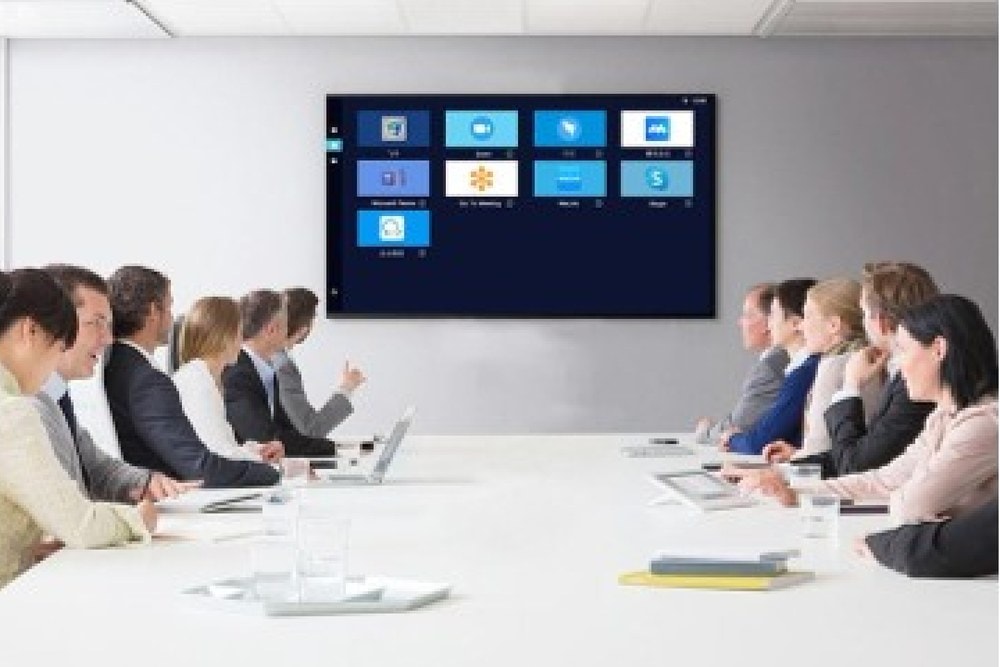
The rule of thumb: the diagonal in inches is roughly six times the distance in metres between the screen and the furthest person. A room four metres deep calls for a 65-inch, a room eight metres deep for a 98.
| 55 inches | Room for four to six people, up to 3 m back. Private office, small creative room. |
|---|---|
| 65 and 75 inches | The meeting-room standard, six to twelve people, 3 to 5 m back. |
| 85 and 98 inches | Large room, training, board meeting. Spreadsheet text stays readable from the back. |
| 110 inches | Auditorium, showroom, multi-purpose room. Replaces a projector without needing the lights off. |
No lamp to change, no focus to set, no blinds to close. The panel stays readable in daylight, curtains open.
The computer is inside the display. A participant’s laptop becomes optional, not a prerequisite to start.
Audio is built into the chassis. A single power cable runs the whole thing.
The whiteboard is software. It never runs out of markers, keeps no ghosting from the previous meeting, and saves itself.
Infrared touch responds to any object. A lost stylus is replaced by a finger, on the spot.
A rolling stand to move between rooms, or a wall mount for a dedicated room. Decided when ordering.
The mounting method — rolling stand or wall bracket — is agreed with you at quotation stage, depending on the size chosen.
Distance from the screen to the furthest seat, ceiling height, socket position. Those three figures decide the size and the mounting.
Assembly on the rolling stand or wall fixing, then connection to a power socket and to the network if video calls are planned.
One on-site demonstration is enough: power on, whiteboard, screen sharing and the Android/Windows switch. The rest is learnt in meetings.
Accounts, network access and video-call apps are set up once. The room is then usable with no further intervention.
| Operating system | Android and Windows |
|---|---|
| Sizes | 55 · 65 · 75 · 85 · 98 · 110 inches |
| Built-in Android | Android 14, 4 GB RAM, 32 GB storage |
| Windows | Via the optional OPS module (built-in PC) |
| Panel | BOE 4K UHD 3840 × 2160, 450 cd/m², anti-glare glass |
| Camera and microphone | Built-in, 48 MP |
| Finish | Black |
| Touch technology | Infrared, finger or stylus |
| Built-in equipment | Computer, display, audio, electronic whiteboard |
| Annotation | Writing over any displayed content |
| Features | Writing, touch gestures, screen capture, wireless sharing, automatic input source detection |
| Installation | Rolling stand or wall mount |
| Intended uses | Meeting room, training, showroom, boardroom |
| Optional accessories | OPS module (built-in PC), mobile stand, projection screen, touch stylus — contact us |
| Warranty | 1 to 3 years depending on the product |
Indicative figures taken from the manufacturer’s documentation. Final specifications depend on the size chosen and on the contract. The size-to-room-depth match is a rule of thumb, not a standard.
No. The display runs Android and Windows, which is enough to open a document, start a video call or annotate a page. Plugging in a laptop stays possible for software installed on one specific machine.
Yes, and that is the main difference from a projector: a panel emits its own light rather than projecting onto a wall. The room stays normally lit, which changes the nature of the meeting.
The one supplied, or any opaque object. The touch layer is infrared: it detects a beam being broken, not an electronic signal. A lost stylus never puts the room out of action.
With the rolling stand, yes, provided doorways are wide enough and floors are flat. Beyond 85 inches, weight and bulk make a wall mount more sensible.
Yes, the whiteboard keeps the pages written during the session. How they are retrieved depends on the system chosen when ordering: worth settling at quotation stage.
Usually 65 or 75 inches. Measure the distance from the screen to the furthest seat: multiplied by six, it gives the diagonal in inches to aim for.
Give us the room dimensions and the number of people — we advise on the size and quote for rental as well as purchase.