From 32 to 55 inches
The 32-inch is read close up, at a shop entrance or on a counter. The 55-inch holds a hotel lobby or a brasserie and is read from several metres away.
The A-frame everyone knows, in a lit version. From 32 to 55 inches, it stands wherever you want with no fixings and replaces the chalkboard, the menu holder and the notice taped to the door.
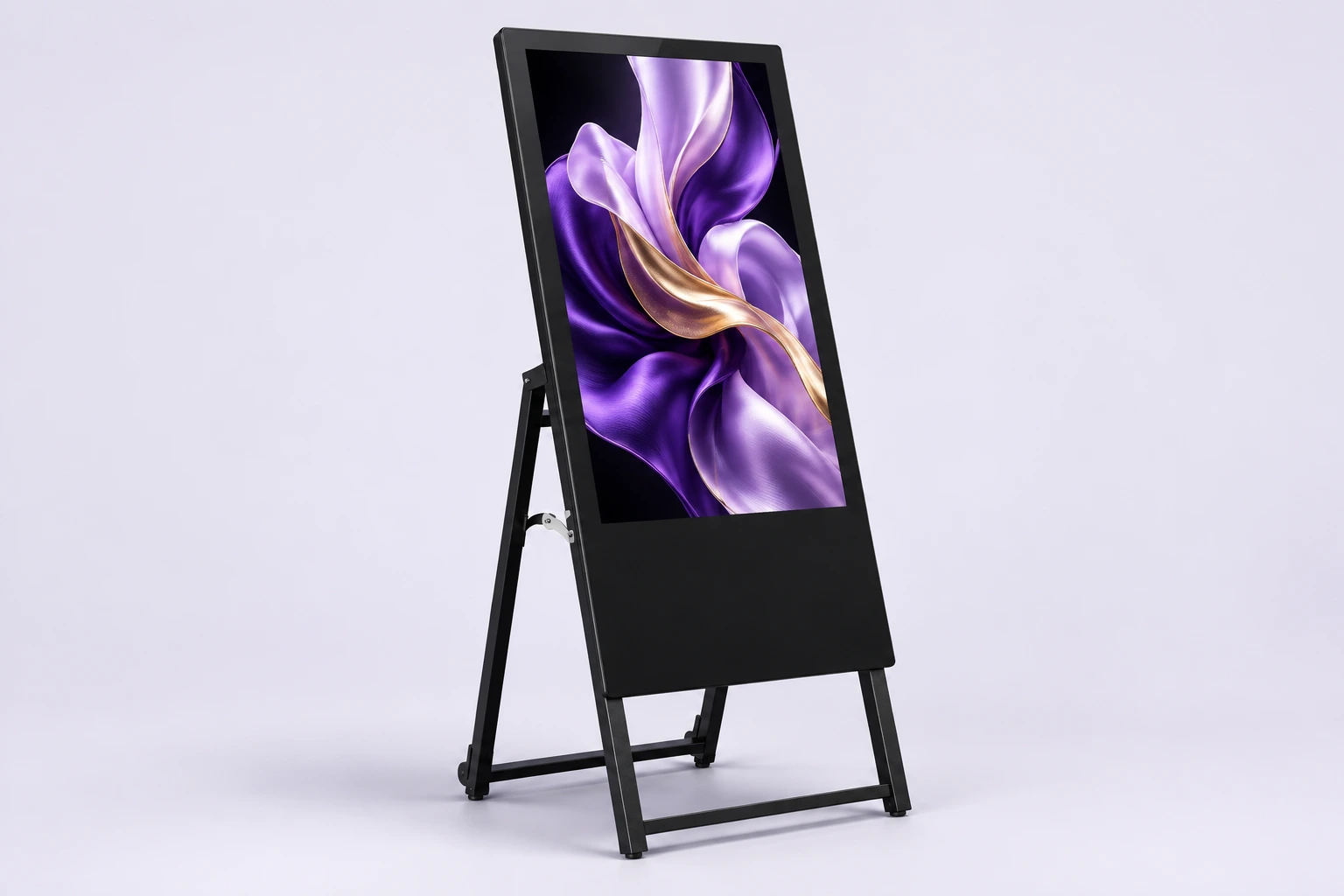
Format illustration. Finishes vary by model.
A digital A-frame takes exactly the place of the one you already put out: same shape, same spot, same gesture. The difference is the content — it changes in seconds, it moves, and it never warps.
The A-frame moves by hand. Out in the morning, in at night, shifted aside when the room fills up — with nothing to dismantle.
The angle of the A puts the message in a passer-by's line of sight. That is what sets an A-frame apart from a screen flat against a wall.
Menu, specials, prices, opening hours: updates happen on the screen. No more laminating, no more sheets corrected with a marker pen.
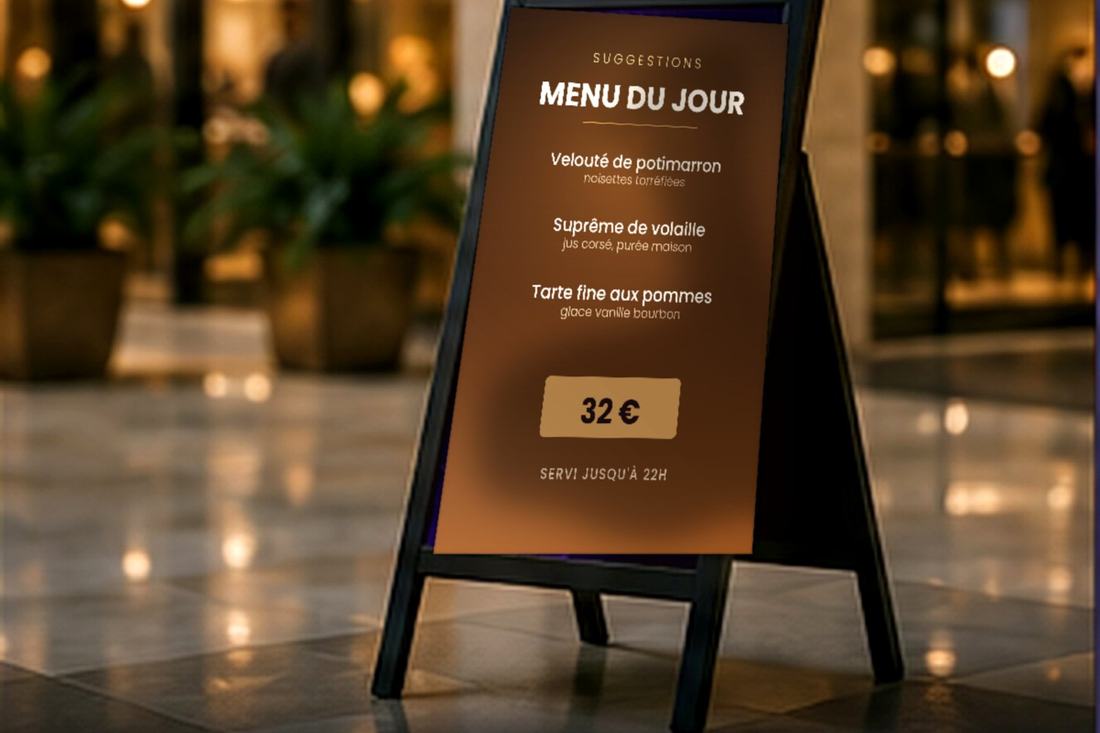
The 32-inch is read close up, at a shop entrance or on a counter. The 55-inch holds a hotel lobby or a brasserie and is read from several metres away.
Nothing to drill, nothing to screw. The A-frame is set down, moved and stored just like the one it replaces.
Black frame and discreet outline, designed for a hotel lobby or a dining room where the furniture matters as much as the message.
Motion catches the eye where a chalkboard blends into the background. That is the whole point of a screen at the spot where people decide to come in.
Contents follow the time slots you set. Nobody has to turn the board round at 6pm.
It is one of the four products available for rental: an evening, a season, the length of an event.
The A-frame arrives assembled. All it needs is a power socket near the chosen spot.
Entrance, reception, counter, landing. We look for the spot the eye falls on naturally, before the decision to come in or to order.
The A-frame unfolds and plugs in. No fixings, no work on the building.
Your menu, promotion and welcome visuals are transferred to the screen.
Durations and time slots are set once and for all. The A-frame resumes its programme on its own every time it is powered up.
Daily menu, set meal, specials and prices. The content switches from lunch to dinner on its own, at the time you set.
Welcoming a conference, directing to a room, the evening's event. The message changes between two groups in seconds.
Promotion, new arrivals, seasonal campaign. The A-frame goes at the entrance, where the notice usually ends up taped to the window.
| Available sizes | 32" to 55" |
|---|---|
| Format | A-frame, double-sided stand |
| Stand | On a wheeled stand |
| System | Android, 2 GB RAM, 32 GB storage |
| Resolution | Full HD 1920 × 1080 |
| Viewing angle | 178°, no blind spot |
| Touchscreen | No |
| Finish | Black |
| Installation | Mobile — floor-standing, no fixings |
| Environment | Indoor |
| Intended uses | Reception, menus, in-store communication |
| Availability | Purchase or rental |
| Warranty | 1 to 3 years depending on the product |
Specifications from the PixelVitrine catalogue. Dimensions and weight depend on the chosen size and are given in the quote.
The machine. The indoor model is designed for a lobby, a room or a counter. The outdoor model is a different device: battery-powered and on wheels, IP65 weatherproof, readable in direct sunlight, in 43 or 55 inches.
That's not what it's designed for. If the sign has to spend its days outside, choose the outdoor version: the same way of working, with a weatherproof, brighter, battery-powered screen.
The 32-inch suits a counter or a narrow entrance, read from less than a metre. The 43-inch is the most common size for a menu. The 55-inch is the one for a hotel lobby or a large room.
You load your visuals onto the screen and set their time slots. The lunch menu gives way to the evening one on its own, at the time you set.
Yes. The indoor A-frame is one of the four products available for rental, from a single evening to a full season.
Your screens are driven by the built-in player. At installation time we set up the method that suits you and load your first visuals with you.
The screen is connected to the internet. You prepare your programs in a browser and send them remotely, to one or several screens at once.
The phone connects to the screen over Wi-Fi. You compose the content, split the surface into zones and send it all from the app.
No network needed: your images and videos are copied to a USB stick and plugged into the screen. Playback starts on its own, in a loop.
Tell us where it will stand and from how far it will be read — we'll advise on the size and quote for purchase as well as rental.