From 43 to 98 inches
The size is chosen according to the volume and the viewing distance: 43 inches for a reception area, 98 inches for a large lobby seen from afar.
A 43 to 98-inch display column that stands on the floor and moves without drilling a single hole. Portrait by nature, it takes up no more room than a poster stand and replaces the cardboard display of a lobby, an entrance or a shopping arcade.
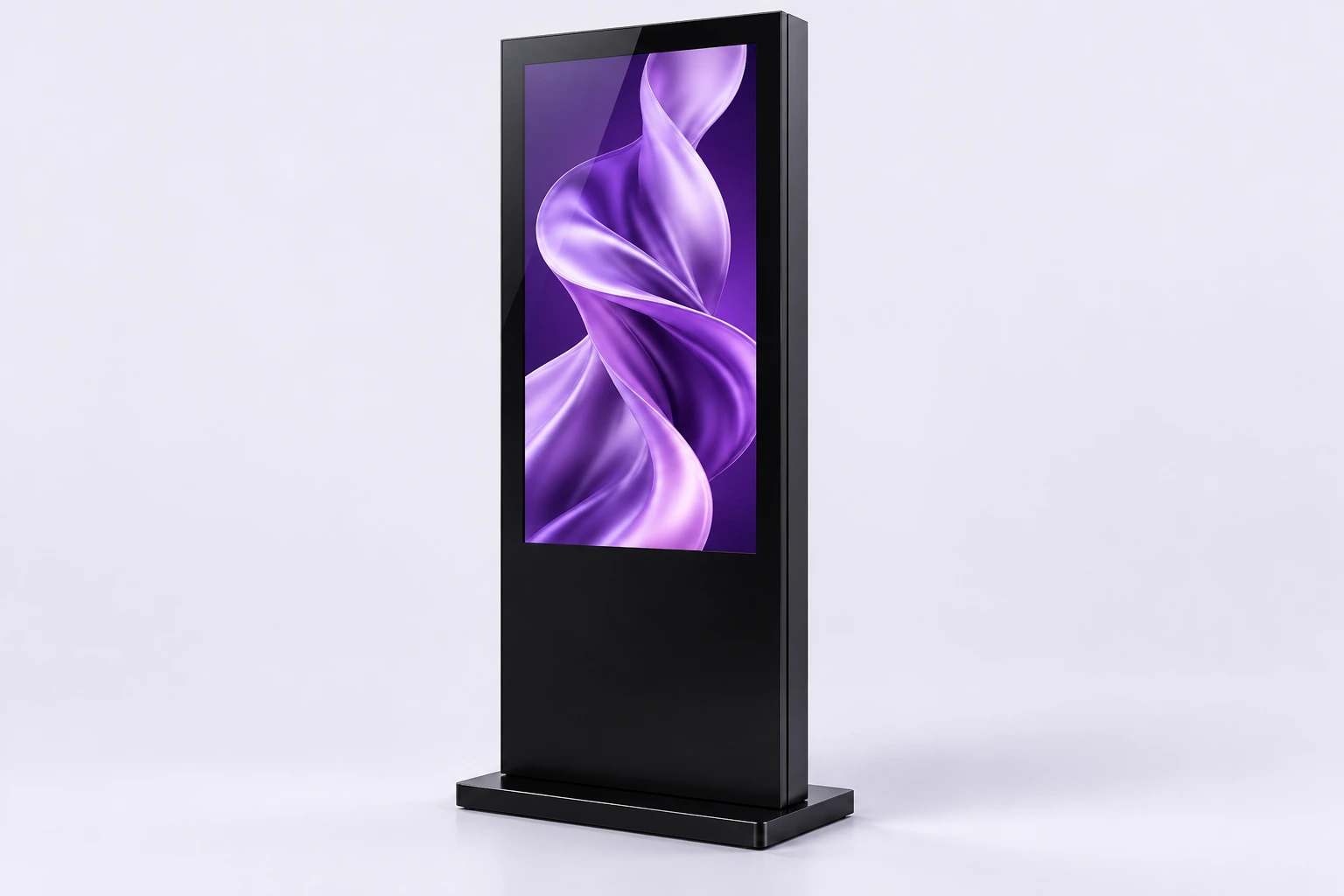
Format illustration. Finishes vary by model.
A totem is not a wall screen on legs: it is a piece of display furniture. It stands wherever you want it seen, moves when the layout changes and leaves no trace when it goes. That is what makes it as easy to rent as to buy.
The totem simply stands on the floor. No brackets, no drilling, no touch-up paint the day you decide to move it. A nearby power socket is all it needs.
The portrait format follows the conventions of posters and roll-up banners: your existing visuals transfer without a redesign, and passers-by read them without having to learn how.
The screen splits into independent regions, each with its own content and duration. Playback covers video, images and audio.
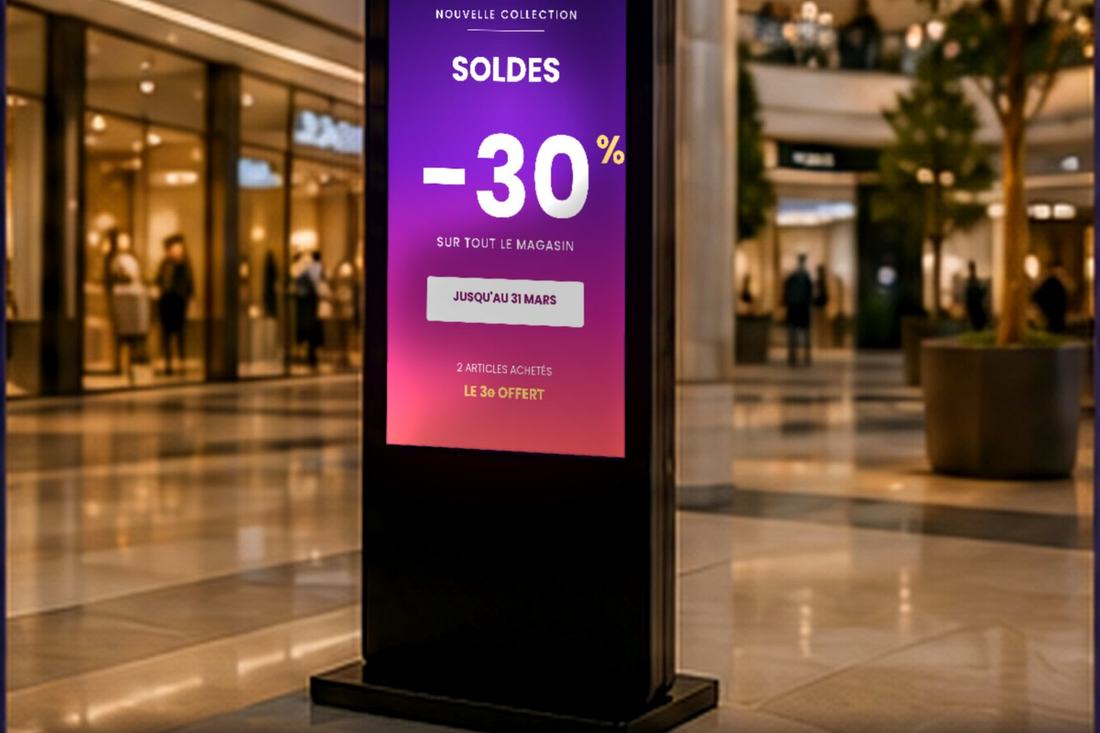
The size is chosen according to the volume and the viewing distance: 43 inches for a reception area, 98 inches for a large lobby seen from afar.
The totem is freestanding. In rented premises or under a commercial lease, that is often what makes it possible to install a screen without the landlord's approval.
Portrait is the natural format for promotional posters. It takes up little floor width while staying readable at eye level.
Menu, promotion and information banner can share the same panel, each in its own zone and with its own playback time.
All three are supported. Sound stays optional: in an arcade you switch it off, on an exhibition stand it makes the difference.
It is one of the four products available for rental. Installed in minutes, collected at the end of the period.
The totem arrives assembled. The only siting constraint is a power socket reachable from the chosen spot.
Lobby, entrance, escalator landing, aisle end. We look at footfall and the distance from which the message will be read.
The totem is set on the floor and plugged in. A few minutes, with no tools and no work on the building.
Your images, video and audio are transferred to the screen, then assigned to the display zones.
Durations, priorities and time slots are set once and for all. The totem resumes its program on its own every time it is switched on.
Welcome, wayfinding, company news. The totem fills the waiting time without tying up anyone at the desk.
Current promotion, new arrivals, seasonal campaign. The message changes remotely, with no poster reprinted.
Trade show, pop-up showroom, in-store event: the rental covers the length of the campaign and installation happens on site.
| Available sizes | 43" to 98" |
|---|---|
| Orientation | Portrait (vertical) |
| System | Android 11, 2 GB DDR3 RAM, 32 GB eMMC |
| Panel | Backlit LCD, Full HD 1920 × 1080 (portrait) |
| Brightness | 350 cd/m² minimum (indoor) |
| Touch version | Infrared touch available in 43, 55 and 65 inches |
| Connectivity (touch version) | HDMI, 2 × USB, RJ45, SD card reader |
| Installation | Freestanding — floor-standing, no brackets, no drilling |
| Screen splitting | Multi-zone management |
| Supported content | Video, images, audio |
| Environment | Indoor |
| Availability | Purchase or rental |
| Warranty | 1 to 3 years depending on the product |
Specifications from the PixelVitrine catalogue. Dimensions and weight depend on the chosen size and are given in the quote.
No. The totem is freestanding: it stands on the floor and plugs into a socket. That is often what makes it possible to install one in rented premises without asking permission to work on the building.
It depends on the distance from which the message will be read. For a reception area or a shop entrance, 43 to 55 inches is enough. For an arcade or a large lobby seen from five metres or more, go for 65 inches and above.
No, this model is designed for indoor use. For an entrance, a terrace or an outdoor retail area, the weatherproof outdoor digital totem is the one to choose.
Yes. The screen splits into independent zones, each with its own content and duration. Playback covers video, images and audio.
Yes, it is one of the four products offered for rental. Installation takes a few minutes and collection is arranged at the end of the period, depending on the term agreed.
Your screens are driven by the built-in player. At installation time we set up the method that suits you and load your first visuals with you.
The screen is connected to the internet. You prepare your programs in a browser and send them remotely, to one or several screens at once.
The phone connects to the screen over Wi-Fi. You compose the content, split the surface into zones and send it all from the app.
No network needed: your images and videos are copied to a USB stick and plugged into the screen. Playback starts on its own, in a loop.
Tell us the size of the space and the viewing distance — we'll advise on the screen size and quote for purchase as well as rental.