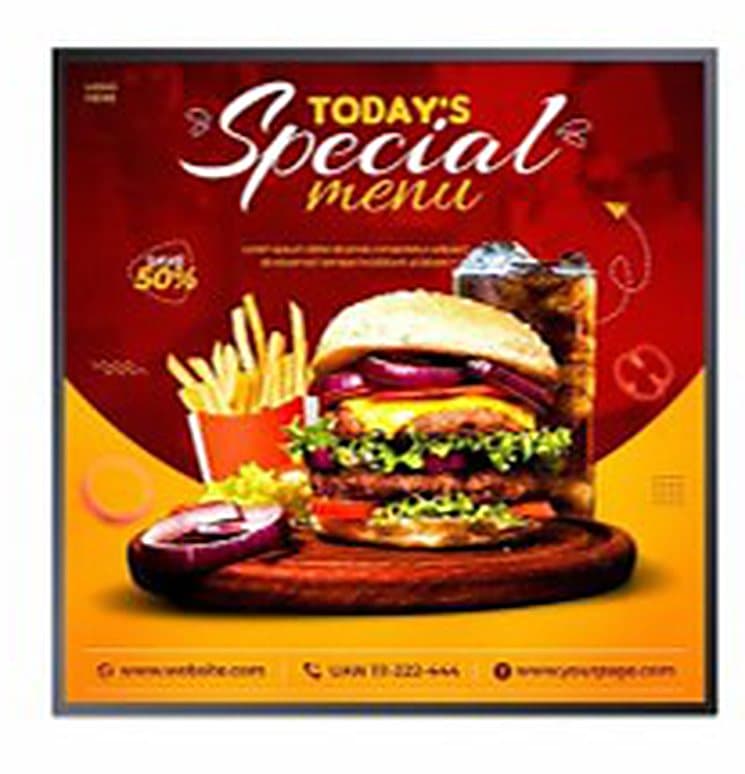
Square: the format you already produce
1:1 is the ratio of your social media posts. A visual prepared for Instagram goes straight onto the screen, with no cropping or redesign.
A screen that doesn't look like one. Fifteen formats — fourteen square sizes from 18.9 to 59.8 inches and one 23.6-inch round model — to display where a rectangle would go unnoticed: café doors, counters, aisle ends, signage.
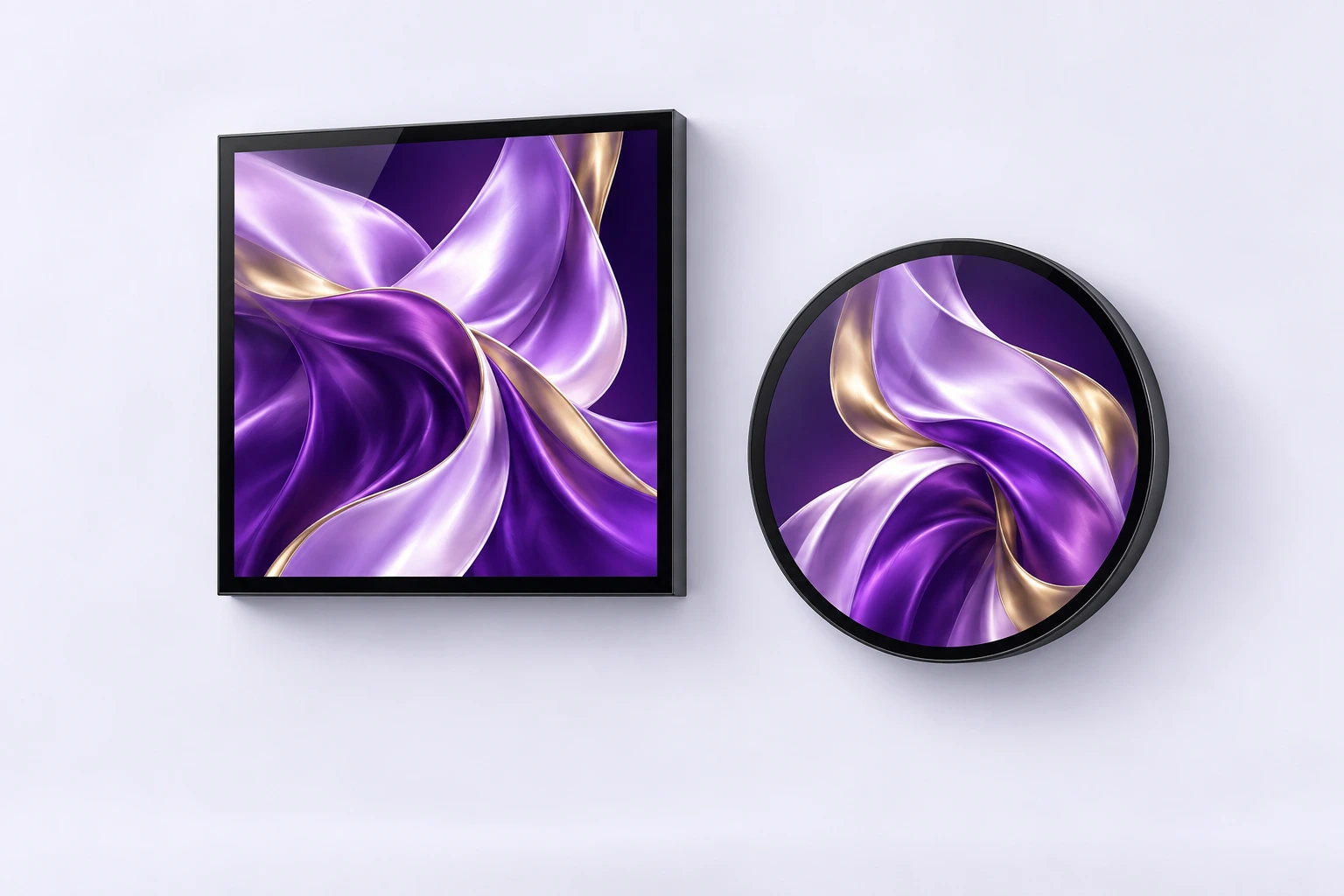
Format illustration. Finishes vary by model.
Passers-by have learned to ignore rectangles: televisions, tablets, panels — they see dozens every day. A circle or a perfect square breaks that habit; the eye stops before the message is even read. That is exactly what these two formats bring to a door, a counter or an aisle end.
The screen can be split freely into independent regions, positioned anywhere on the surface. Each zone gets its own content and duration: a price in one corner, a video in the middle, an information banner at the bottom.
You set each programme's playback duration, priority and time slots. The player runs the scenes in the defined order — morning offer until 11am, lunch menu afterwards — with no one having to step in.
The square format matches the 1:1 ratio you already produce for social media: your visuals display without cropping. For the round model, simply centre the subject and keep a margin around the edges.
Fourteen square sizes, one round. Switch between shapes and move the slider to see the real footprint next to a 1.70 m silhouette.
33.3 inches. The core of the range: glass door, indoor window, product highlighting.
1:1 is the ratio of your social media posts. A visual prepared for Instagram goes straight onto the screen, with no cropping or redesign.
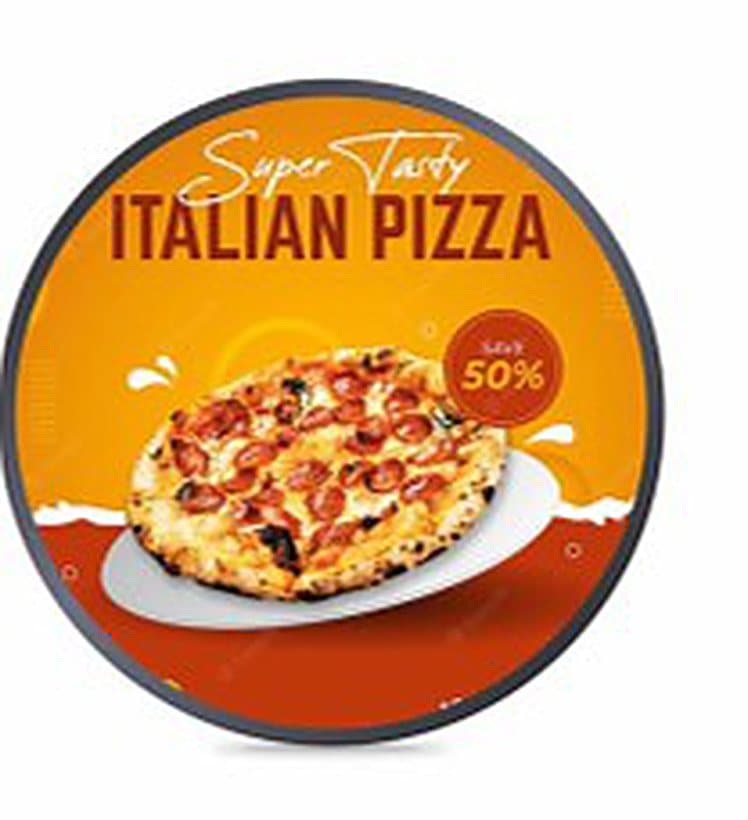
A 23.6-inch lit disc reads like a door plate or a logo rather than a screen. It is the format for café fronts and shop entrances.
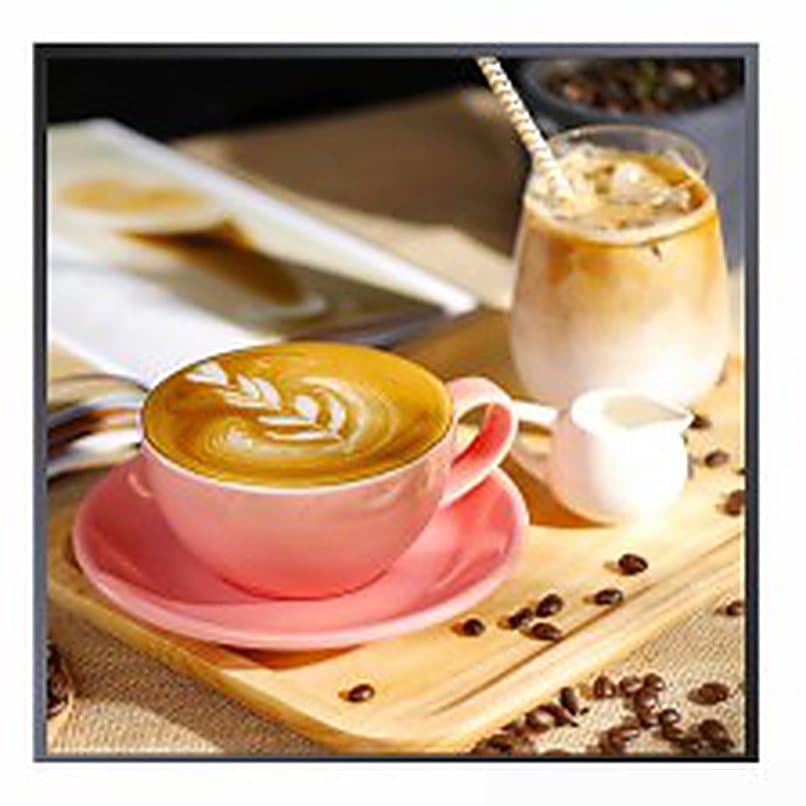
From 18.9 inches for a counter or an aisle end up to 59.8 inches for a shopfront. The size is chosen according to the viewing distance.
The visual editor splits the surface into independent, freely positioned zones. Product, price and welcome message share the same panel.
Duration, priority, time slots and multiple scenes. Once set, the screen runs itself and switches content on cue.
The system is chosen when ordering, to match how you work. Black or grey finish to blend into the existing fit-out.
The mounting method depends on the chosen format and location: it is agreed with you at quotation stage.
Door, counter, window or shelving. Viewing distance and eye level determine the shape and the size.
The screen is put in place and connected to a nearby power socket.
Your images and videos are transferred to the screen, then assigned to the display zones.
Durations, priorities and time slots are set once and for all. The screen resumes its programme on its own every time it is powered up.
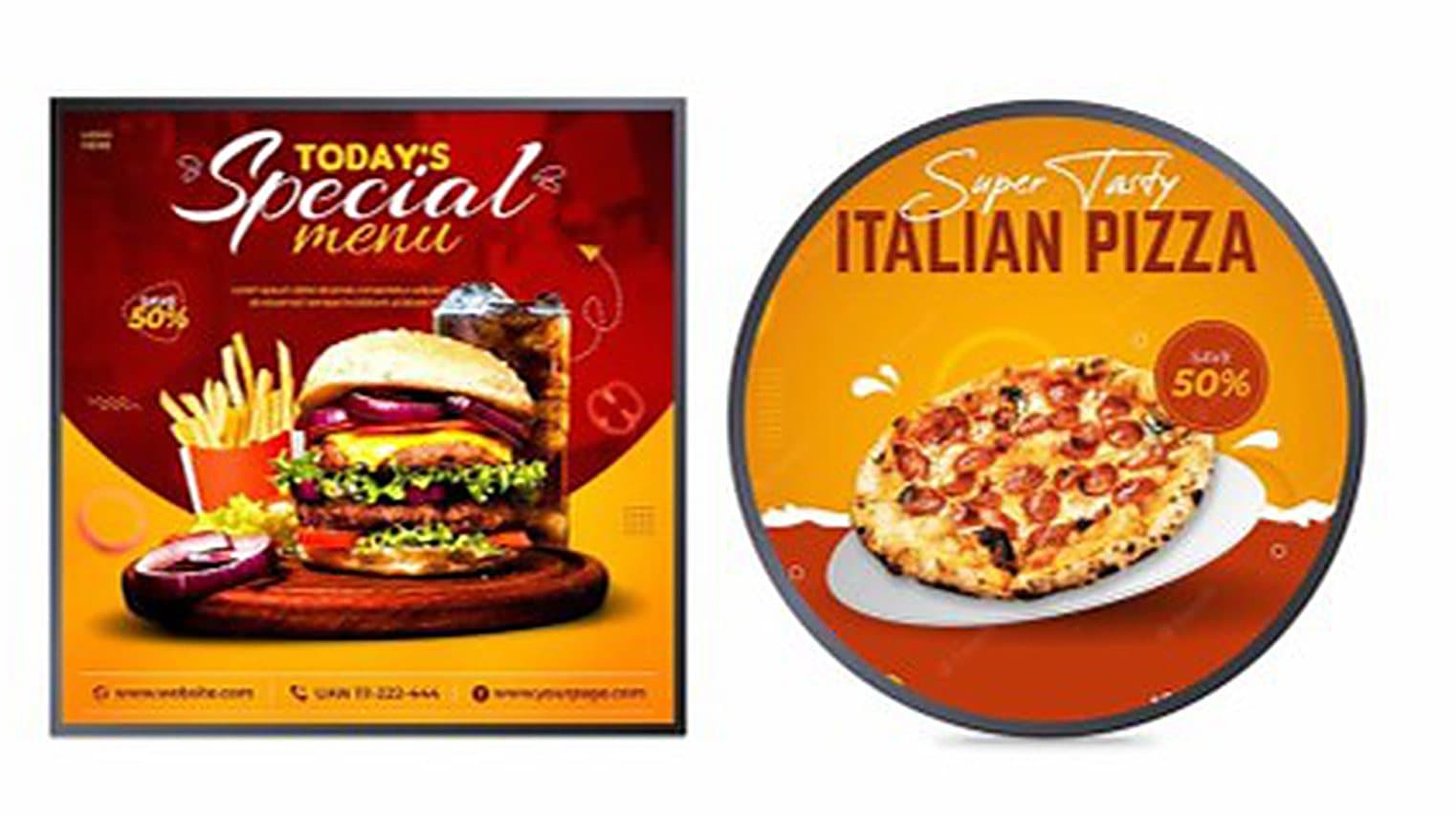
Door signage, offer of the day, opening hours. The disc stands out from a distance on a glass front and replaces the notice taped to the window.
Drinks, deals, prices. The small square sits right where the order is placed, where the decision is made in seconds.

Aisle end, shelf, brand corner. The format breaks out of the shelving and flags what's new without adding yet another panel.
| Operating system | Android or Windows, your choice |
|---|---|
| Square sizes | 18.9 · 20.4 · 26 · 27.8 · 28.1 · 33.1 · 33.3 · 35.7 · 39.4 · 42.2 · 44.5 · 52.3 · 54.2 · 59.8 inches |
| Round format | 23.6 inches |
| Android configuration | Android 11, 2 GB RAM, 32 GB storage |
| Panel | Backlit LCD, Full HD 1920 × 1080 |
| Brightness | 350 cd/m² minimum (indoor) |
| Finish | Black or grey |
| Screen splitting | Multi-zone visual editor, free division of the surface |
| Scheduling | Duration, priority, time slots, multiple scenes |
| Supported content | Images and videos |
| Intended uses | Supermarket, café door, product highlighting, door signage |
| Warranty | 1 to 3 years depending on the product |
Indicative values. Final specifications depend on the chosen format and on the contract. The dimensions given by the simulator are calculated for a perfect square from the diagonal, and for a disc from the diameter: they refer to the display surface, excluding the frame.
The round model works like a sign: it is spotted from afar and carries a short message — an offer, an animated logo, opening hours. The square is a content surface: it takes a detailed image, a price, a short video, and comes in fourteen sizes. In practice, the round goes on the door or the façade, the square on the counter or the shelf.
It comes in a single size, 23.6 inches — a disc of roughly 60 cm. It is deliberately compact, designed for a glass door or a partition rather than a full wall.
On the square, yes: it is the same 1:1 ratio, with no cropping. On the round model, keep the subject centred and leave a margin at the edges, since the corners of the image are hidden by the shape.
Both systems are available, chosen when ordering. Android is enough for the vast majority of signage uses. Windows is only worth it if you need to run an existing business application on the screen.
Yes. The editor splits the surface into independent zones you place wherever you want, each with its own content and duration. A single screen can therefore carry a video, a price and a text banner at the same time.
No. You load your programmes once, then set their time slots and priorities. The screen then runs the scenes on its own and restarts its cycle every time it is powered up.
Your screens are driven by the built-in player. At installation time we set up the method that suits you and load your first visuals with you.
The screen is connected to the internet. You prepare your programs in a browser and send them remotely, to one or several screens at once.
The phone connects to the screen over Wi-Fi. You compose the content, split the surface into zones and send it all from the app.
No network needed: your images and videos are copied to a USB stick and plugged into the screen. Playback starts on its own, in a loop.
Tell us where it should go — door, counter or shelf — and we'll advise on the shape and the size, for rental as well as purchase.