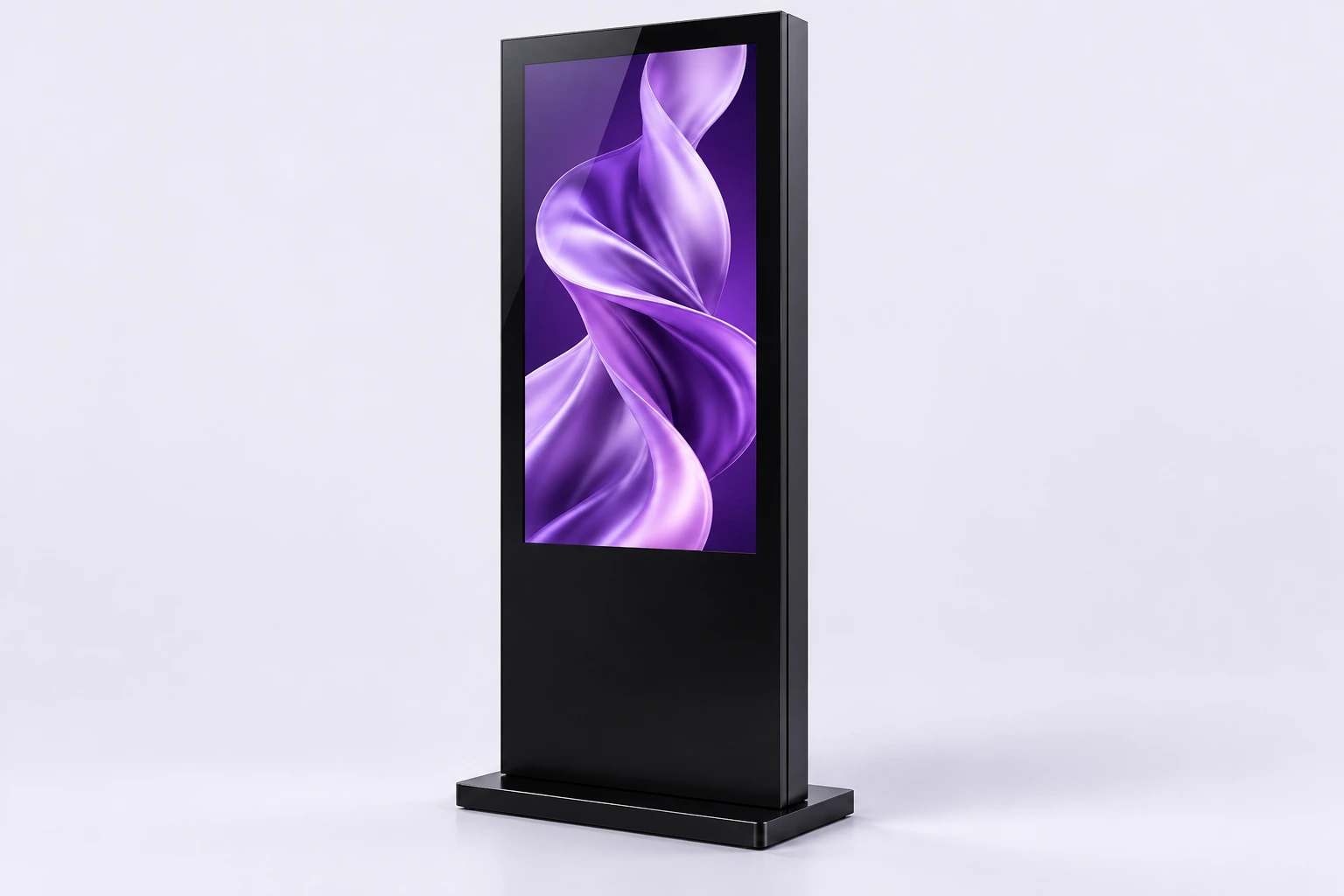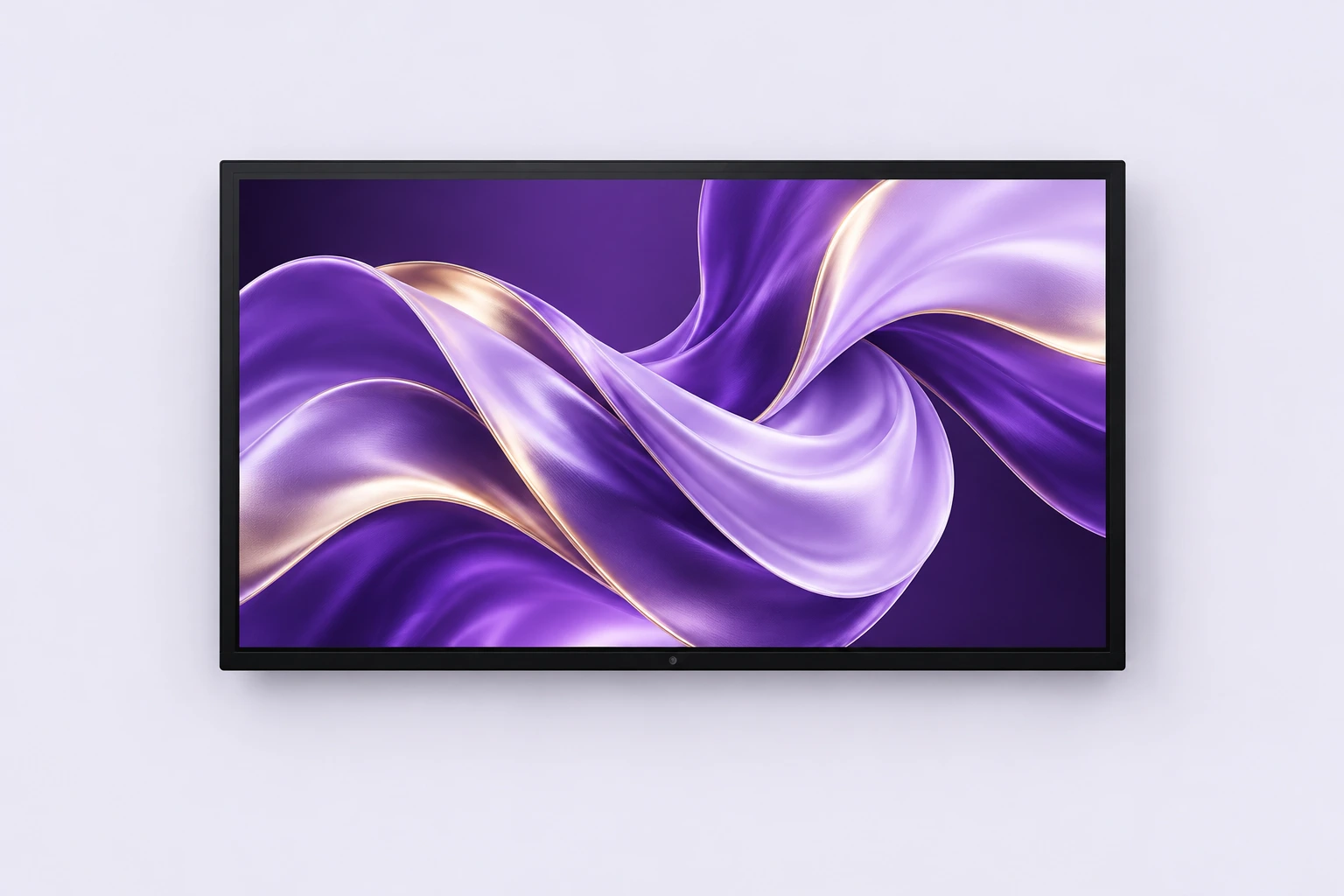
Start with what the visitor needs to do.
Browse a catalogue, find information or discover a service: define one main task before selecting the size. A simple home screen, clear touch targets and an obvious way back to the start make the kiosk easier to use.
Hardware and applications are separate considerations. Software availability, compatibility, connectivity and expected functions need to be defined for your project. Touch capability does not mean a business application is included.
Format at a glance.
| Feature | Available selection |
|---|---|
| Screen sizes | From 15.6 to 65 inches |
| Interaction | Capacitive multi-touch screen |
| Panel | Full HD 1920 × 1080 LCD, 350 to 400 cd/m² |
| Built-in computer | Windows PC, Intel Core i5, 8 GB RAM, 128 GB SSD |
| Software | Touch browsing software |
| Connectivity | USB, SD, LAN, VGA, Wi-Fi and 4G |
| Colours | Black, white or silver |
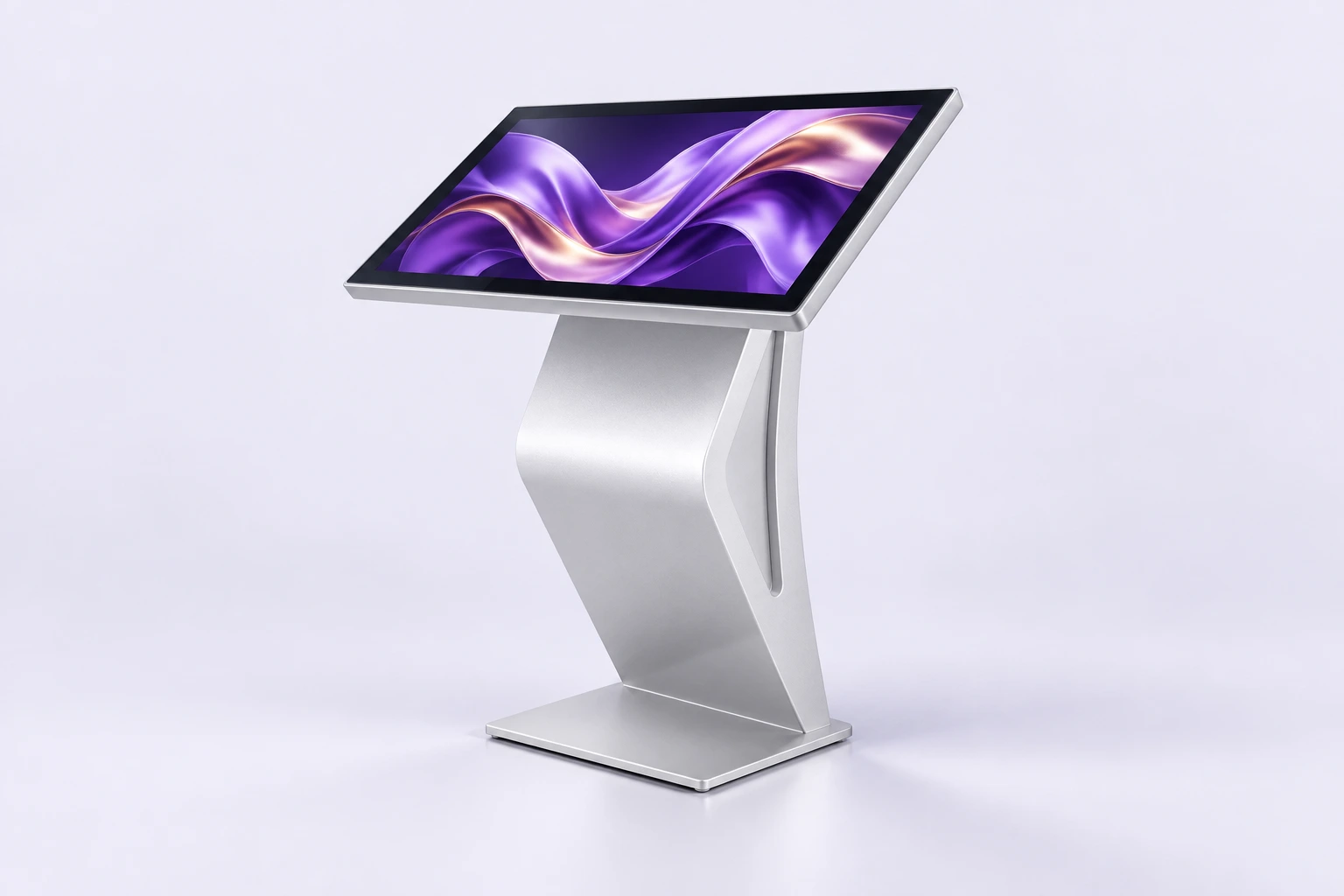
| Tilted K-stand (option) | Metal frame, matching finish. Turns the screen into a freestanding lectern kiosk, ideal for reception, shop windows or trade shows. Models for 32, 43 and 49 to 65 inches. |
| Environment | Indoor |
Swipe the table to see every column.
Dimensions to be validated for the selected model and use.
A reception point that leaves room.
Leave room for the person using the kiosk and for people passing by. Check viewing angle, height and reach with the intended users. Testing the journey on site helps reveal friction before launch.